
Build. Connect. Test. Run.
Create APIs and AI tools from your existing data
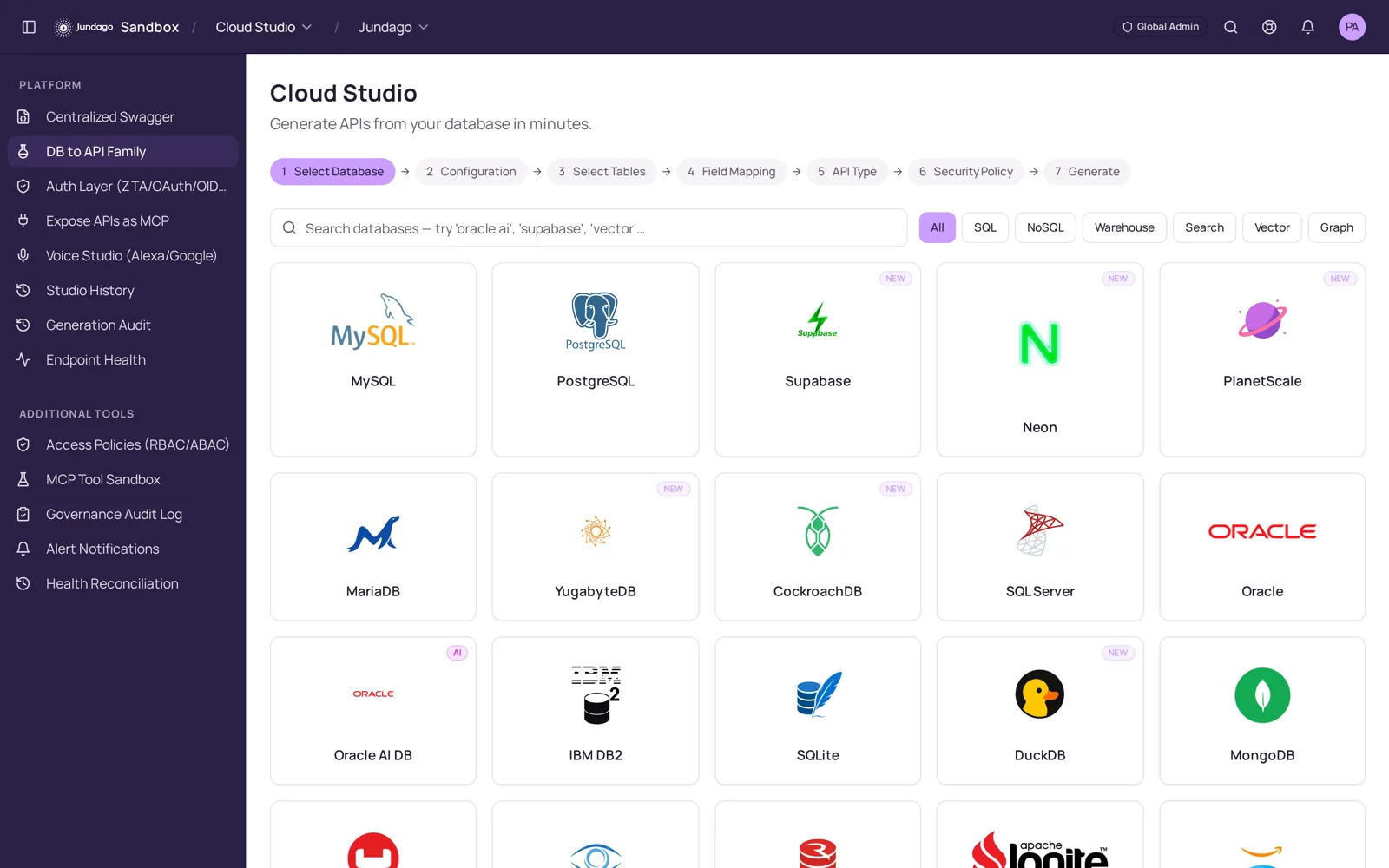
Connect databases and existing services, review the APIs you create, and choose how they are secured, tested and deployed.
- Existing data
- Databases, schemas and services
- API formats
- REST, GraphQL, SOAP and gRPC
- Deployment choice
- Cloud targets and generated services
Why teams use Jundago
Your systems already have the data. Put it to work.
New applications, partners and AI assistants need controlled access to information across your existing systems. An API is the interface that lets one piece of software request information from another. Jundago brings building, connecting, testing and operating those interfaces into a workflow your team can review.
For engineering and security teams
Review the workflow, API example and deployment-specific assurance questions.
Platform
Create, connect, test and monitor APIs
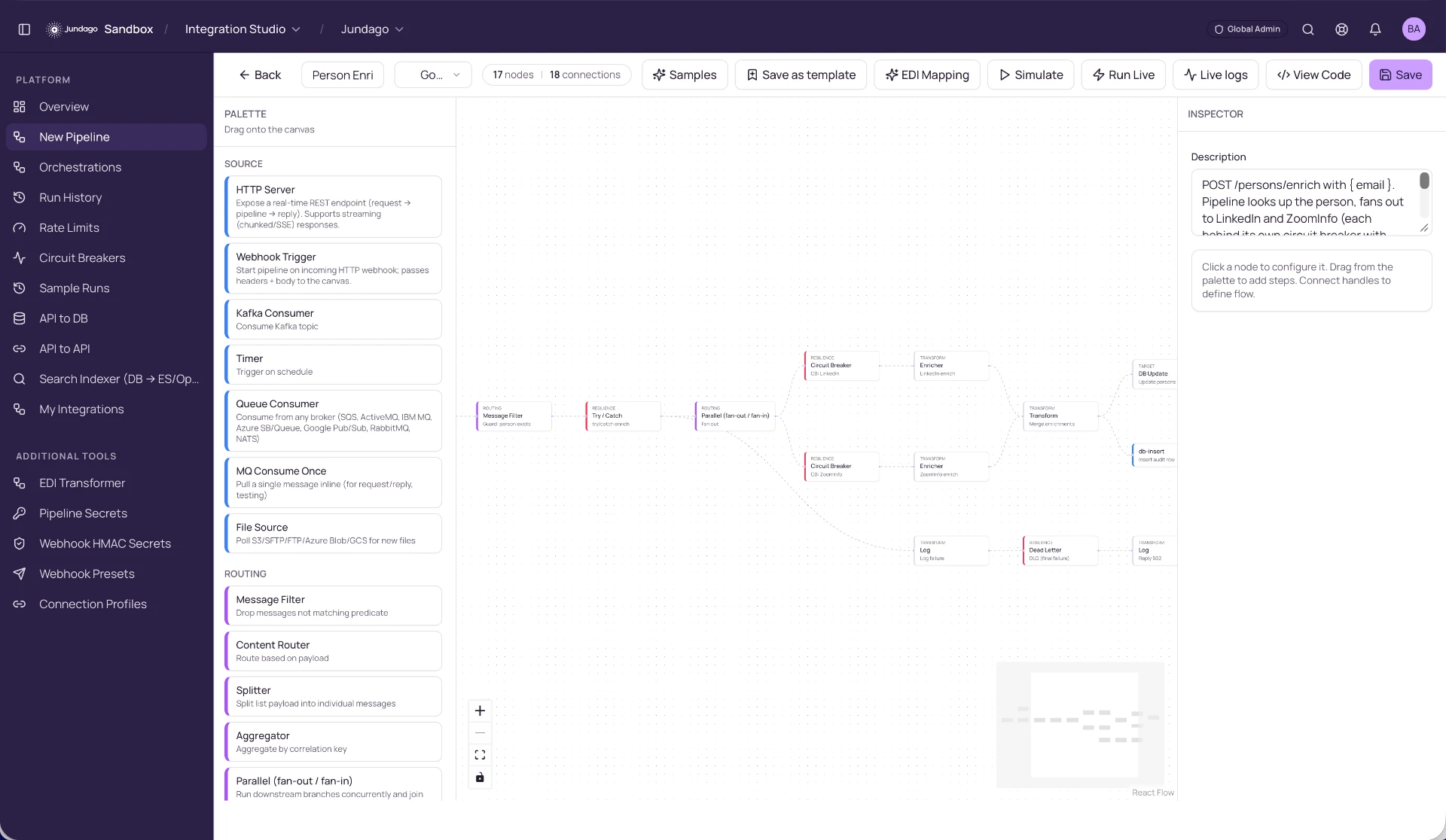
Connect Your Systems
Build low-code pipelines across databases, queues, files, EDI, SaaS and private services.
Explore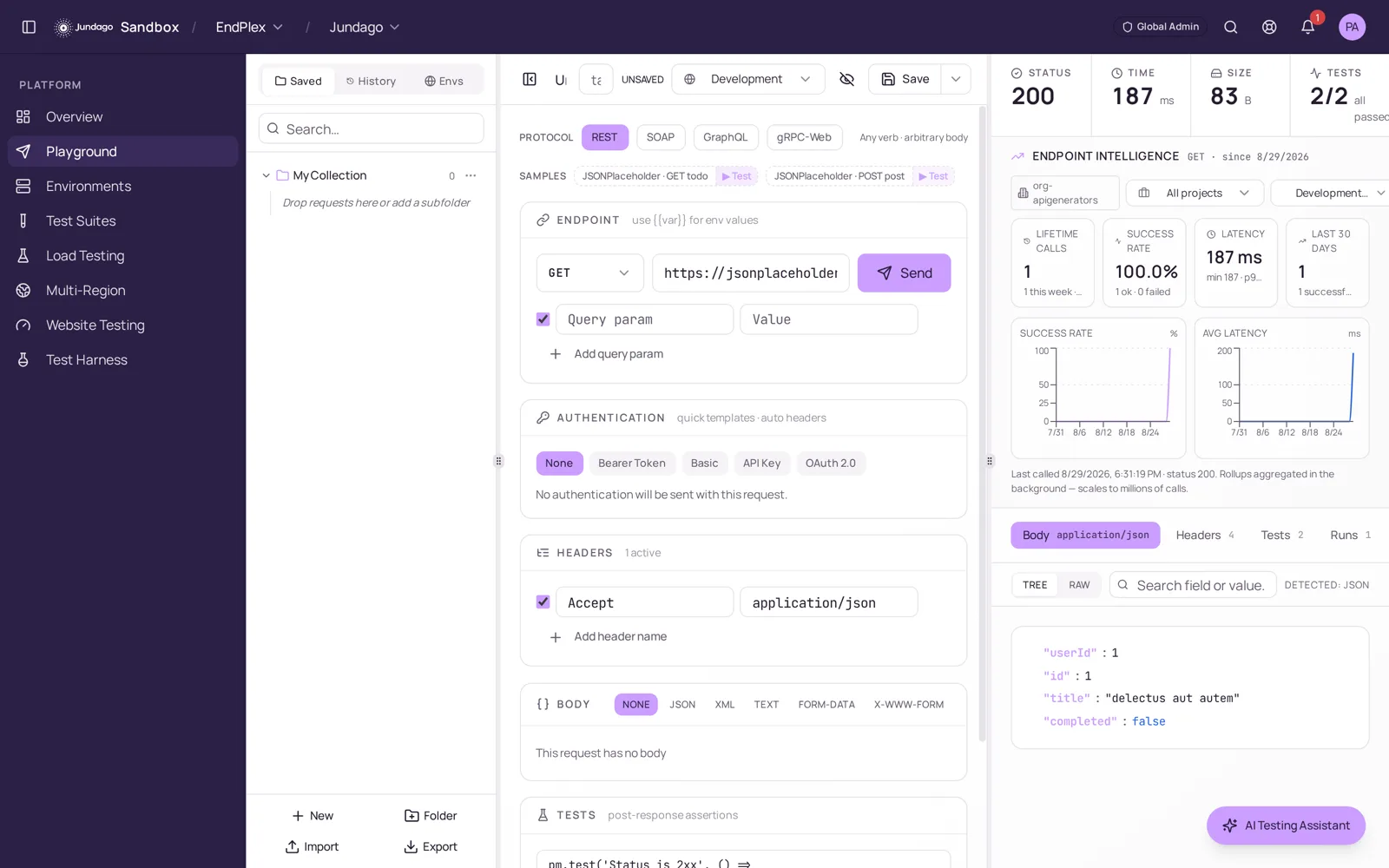
How the Fabric Works
Connect your data and deploy your API
Connect a source, configure your API, set access rules, and deploy. Your team can review each change before release.
Connect
Choose a database, API, file, queue or business system. Credentials stay encrypted and separate by environment.
Build
Generate an API or assemble an integration visually. Review every field, rule and generated file before release.
Secure
Apply authentication, permissions, rate limits, approvals and audit controls before traffic arrives.
Deploy
Release to AWS, Azure, GCP, Oracle, Huawei, Kubernetes or your own gateway without changing the design.
Run
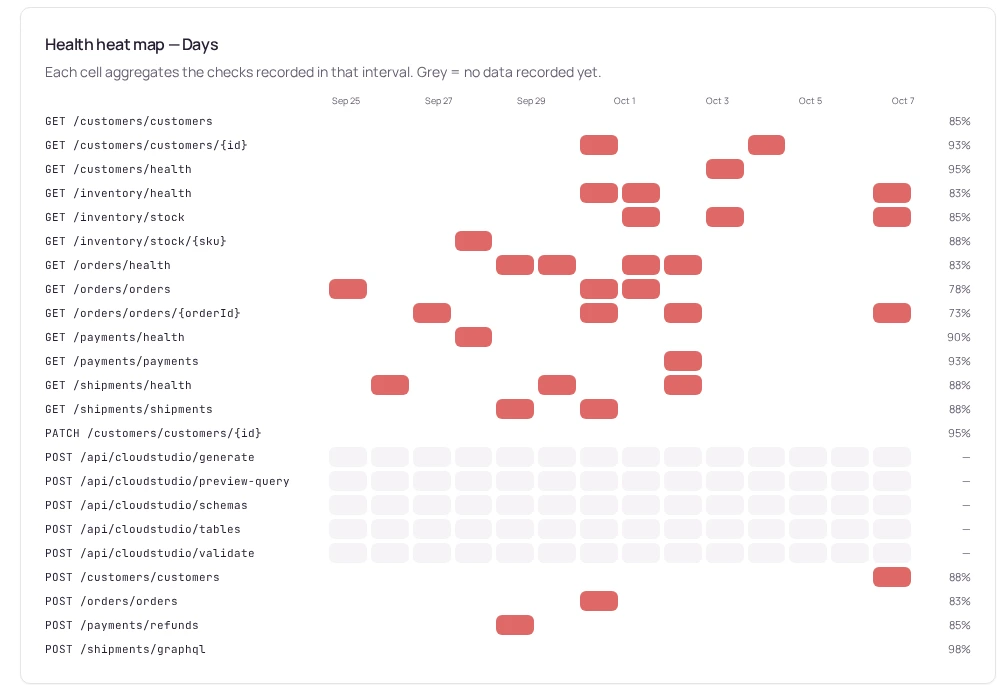
Track health, logs, traces and tests from one place, with clear ownership and rollback history.
Watch
Use cases
APIs, MCP tools and integrations
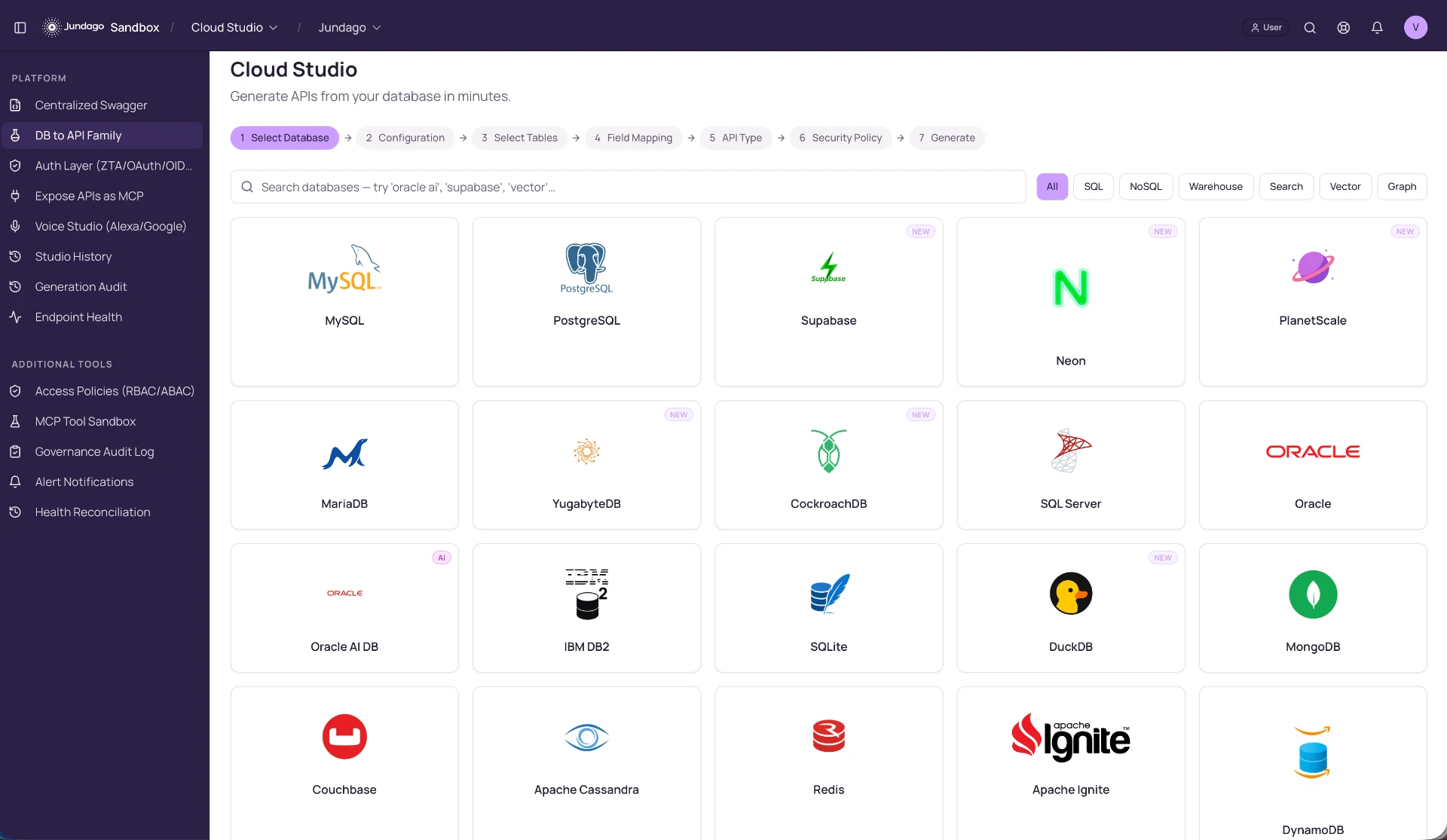
Create APIs from data
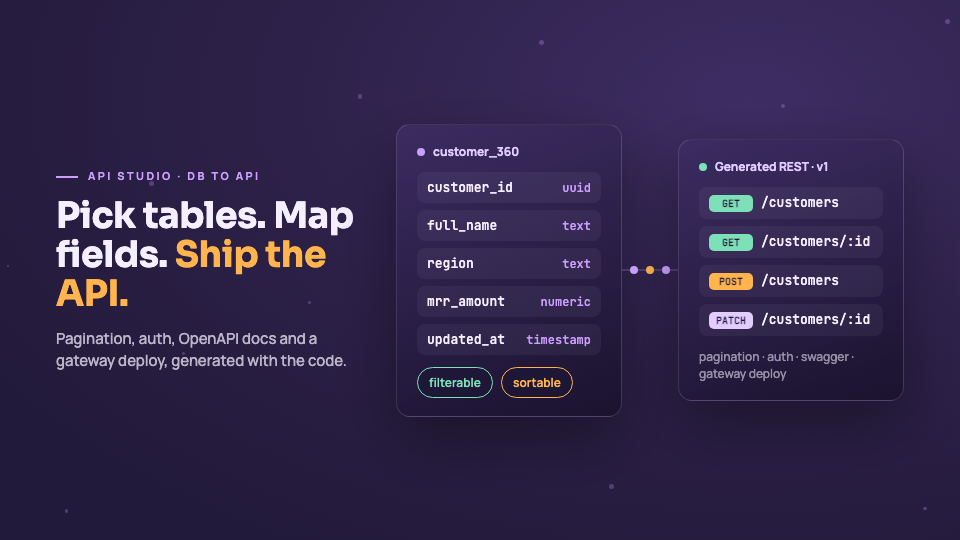
Turn database tables into documented, paginated and secured APIs without weeks of boilerplate.
See the full flowMake existing APIs available through MCP
Choose approved operations, add authentication and limits, then publish tools your assistants can call safely.
See the full flowModernize integrations
Replace fragile scripts with visible pipelines, retries, dead-letter handling, schedules and complete run history.
See the full flowTest every protocol
Keep requests, environments, suites and results together for REST, SOAP, GraphQL and gRPC.
See the full flowFAQ
Frequently asked questions
Everything you need to know about Jundago. Can't find an answer? Talk to sales.
Tell us which products, environments and deployment options you need. The team can confirm current packaging and pricing for your requirements.
AI assists API creation, schema work and testing workflows. Review generated output and the features available in your chosen product version.
API Studio helps create APIs from supported databases, schemas and specifications. Review operations, authentication and generated artifacts before choosing a deployment.
EndPlex combines API requests, test suites and load workflows. Review the AI functions and protocols available in the version you plan to use.
GraphQL Studio helps design schemas and generate resolvers over supported data sources. Review the generated graph and access requirements before publishing it.
Discuss your data sources, integration requirements and deployment constraints with the team. Industry-specific controls and documentation should be confirmed for your installation.
Review access controls, authentication and audit requirements for your chosen deployment. Product features are not a certification or assurance report; ask for the current documented scope.
Transport and storage protections depend on your selected deployment and configuration. Ask the team for a deployment-specific security review rather than assuming one setting applies everywhere.
Platform sign-in and generated-service authentication are separate. Review the identity setup and authentication and policy options for your chosen products and deployment.
Ask which audit records and exports are available for the products and deployment you plan to use, and confirm that they meet your review requirements.
Request the current assurance documents and their scope from the team. We do not make certification or audit-status claims here without approved evidence.
Security And Deployment
Control access and choose where to deploy
Start with one API or connect an entire estate. Your team keeps control of access, environments, deployment targets, and every change along the way.
Role-based access and auditCloud or on-premisesTesting and health checks
Talk to us about your APIs
See how Jundago fits your systems, teams, and deployment model.