
Multi-tenant by design
Each organization's data is isolated, with Global Admin, Org Admin and User roles.
Govern
Workspaces, projects, deployments, environments, gateway routes, secrets and audit logs — with organization-level isolation and role-based access from day one.
How it works
Comes in
Command Center
Organize
Group APIs by team, project and environment.
Approve
Check credentials and approve before release.
Deploy
Push to AWS, Azure, GCP, Oracle or Huawei Cloud.
Govern
Watch health, rate limits and the audit trail.
Goes out
Each organization's data is isolated, with Global Admin, Org Admin and User roles.
Dev/QA/Prod environments, credential checks and approvals before anything goes live.
Health views from months down to minutes, with configurable alerts and webhooks.
Every publish, permission change and sandbox action is recorded and searchable.
Also included
Inside the product
Screens captured from the running platform — no mockups.
Each organization's data is isolated with Global Admin, Org Admin and User roles, plus per-role navigation permissions.
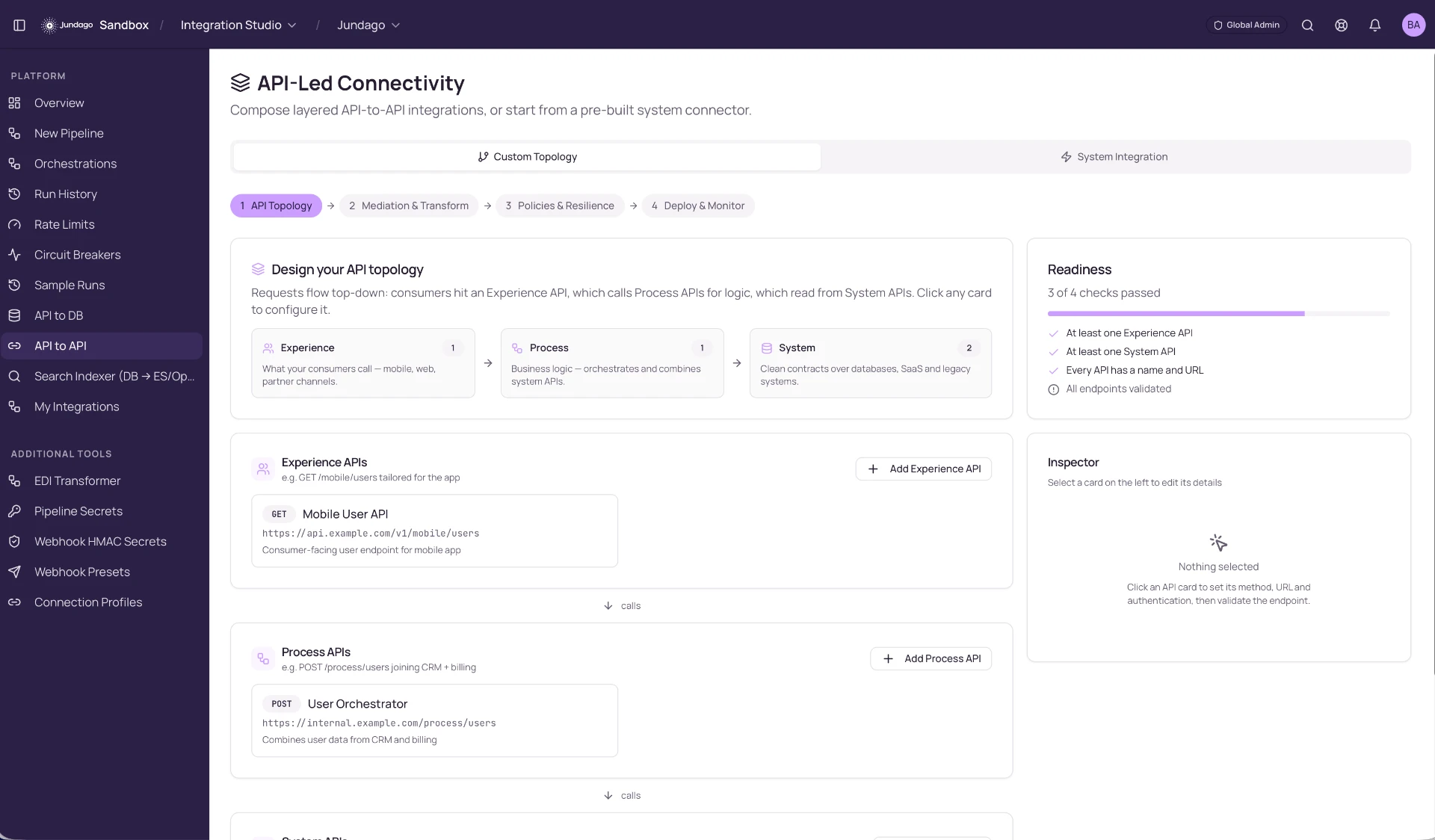
A centralized Swagger catalog, endpoint health dashboards with alerts, a secrets vault, and a searchable audit log of every publish and permission change.
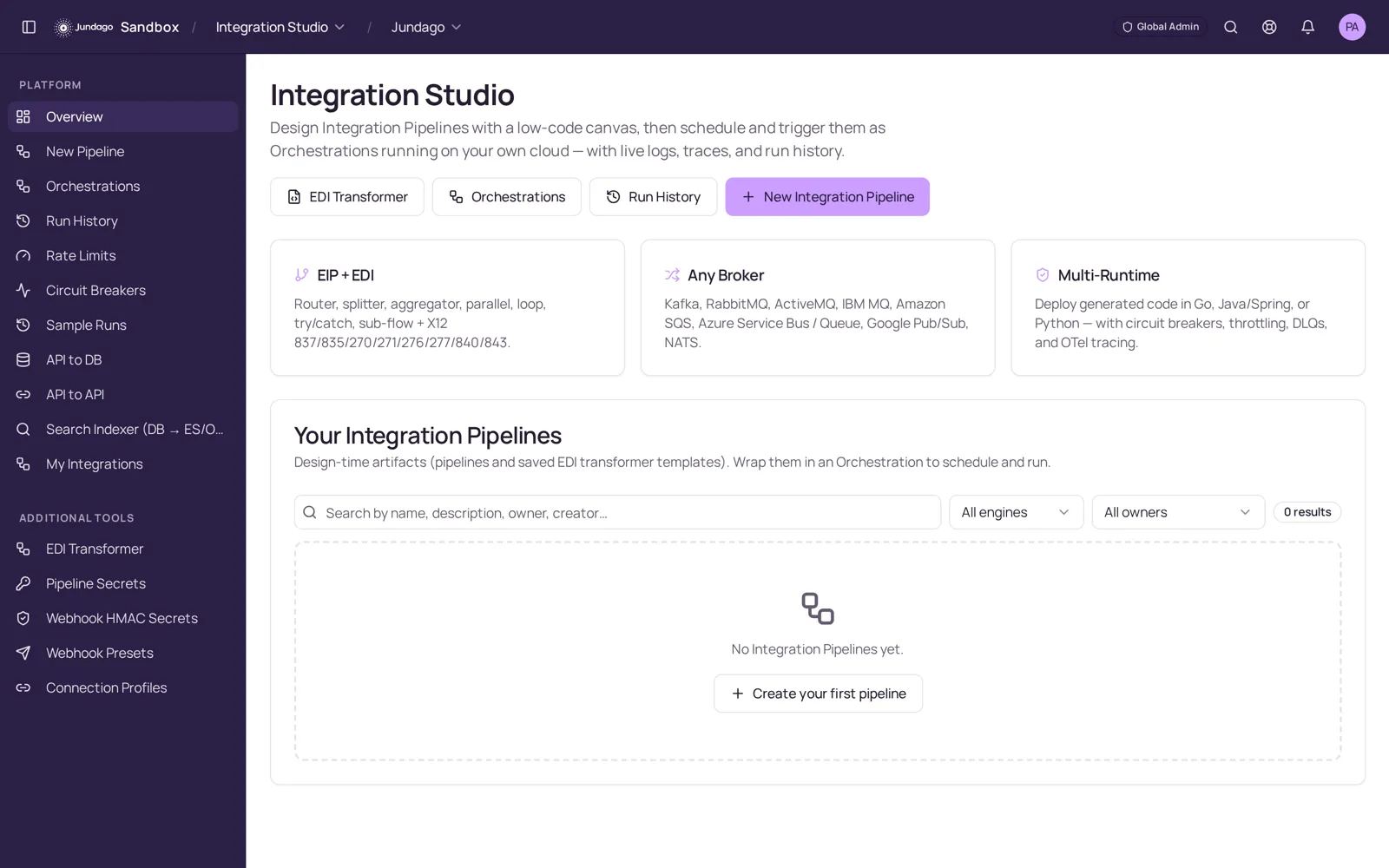
Explore the rest of the platform
We use cookies to run this site and, with your permission, to improve performance and tailor marketing. You can accept all, keep essential only, or choose your preferences. See our Privacy Policy and Terms.