
Visual schema builder
Create types, fields and relations without writing schema code by hand.
GraphQL
Model types and relationships on a canvas, let Jundago generate resolvers over your existing REST APIs and databases, and serve one graph to every consumer.
How it works
Comes in
GraphQL Studio
Model
Draw types and relationships on the canvas.
Resolve
Generate resolvers that call each source efficiently.
Protect
Set field access, depth limits and query cost.
Serve
Expose one graph with a built-in playground.
Goes out
Create types, fields and relations without writing schema code by hand.
Describe the data source and get resolvers with batching and N+1 protection included.
Bring REST, SOAP and database sources into one graph without rewriting anything.
Field-level authorization, depth limits and query cost controls.
Also included
Inside the product
Screens captured from the running platform — no mockups.
Bring REST, SOAP and database sources into one schema without rewriting anything, then let Jundago generate resolvers with batching and N+1 protection.
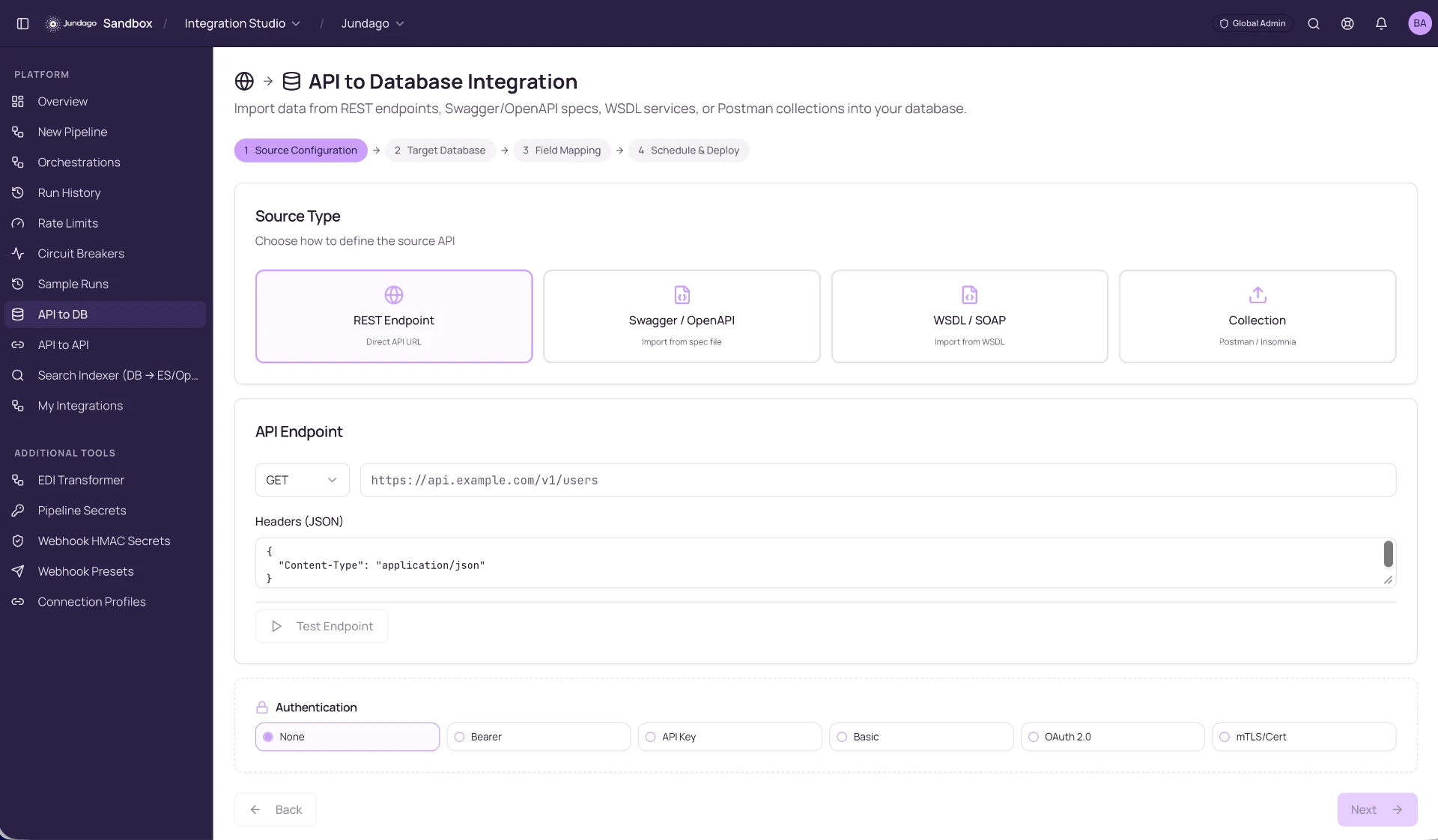
The same authentication, audit trail and catalog that cover your REST APIs apply to the graph, so every consumer follows the same rules.
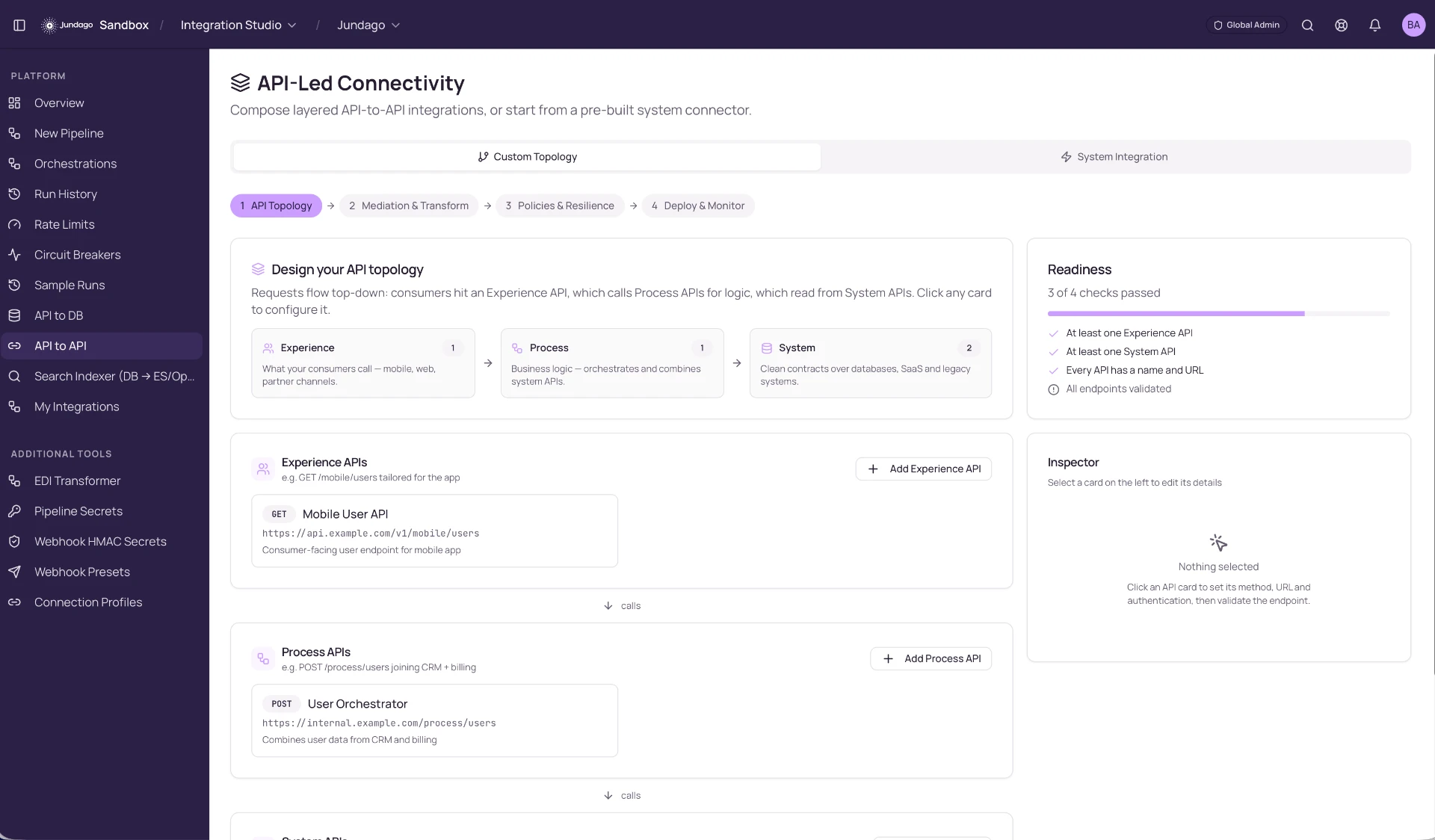
Explore the rest of the platform
We use cookies to run this site and, with your permission, to improve performance and tailor marketing. You can accept all, keep essential only, or choose your preferences. See our Privacy Policy and Terms.